Brickphone
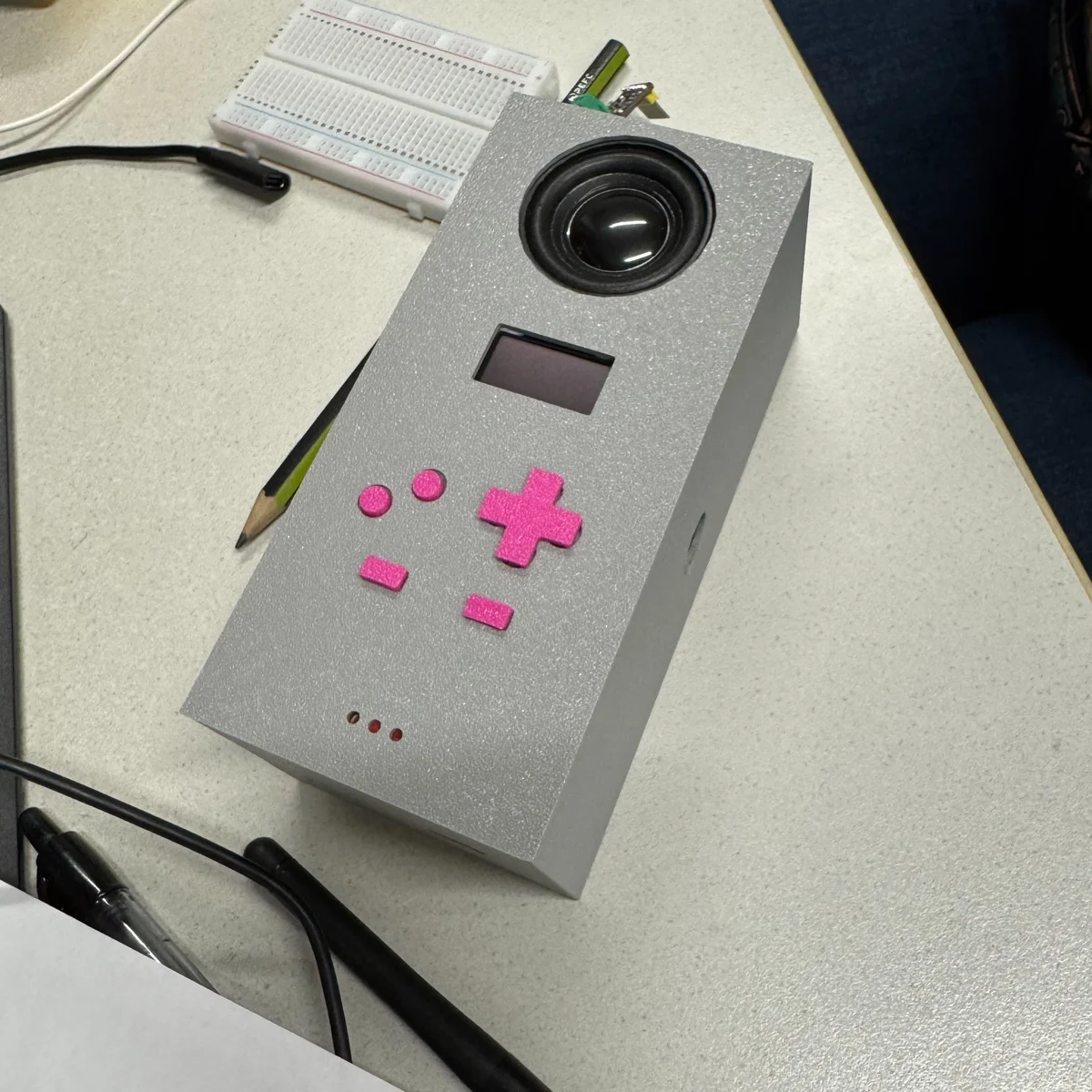
Hold A to talk, release it for a reply, or open Snake. Brickphone puts an ESP32-S3, a tiny OLED, and a voice assistant inside a brick-shaped handheld.
Details
Links
Brickphone gives a voice assistant a speaker, a tiny screen, and Game Boy-style controls. Hold A to speak, then release it to request a reply. The same handheld also has a recorder and six games, including Snake, 2048, and Flappy Bird.
I built it with Josephina Steinböck and Maxim Pollak for our Tangible User Interfaces and Physical Computing project. The enclosure is deliberately a brick. A large speaker sits above a 128 by 64 pixel OLED, with pink controls underneath.
Inside the Handheld
The firmware shares input, display, and navigation across its apps. Voice crosses two extra boundaries: a network connection to the Worker, and an audio output path it owns while that screen is active.
- Data & Assets
- Logic & Services
- Interface & Presentation
- Platform & External
Loading diagram...
The handheld and Worker are separate runtimes. Voice takes over the I2S output while active; games and the recorder use the shared audio service. Settings do not currently configure Voice's Wi-Fi credentials, and persistent storage remains a stub.
Explore the Source
Eight Buttons and a Small Screen
The ESP32-S3 reads eight physical buttons. The directional pad moves through menus, A confirms, B goes back, and Start returns to the main menu. Select changes its job with the app. In Snake it changes speed; in the recorder it clears the recording.
Each button connects a GPIO pin to ground when pressed. The firmware enables the internal pull-ups and waits for 25 milliseconds of stable input before reporting a change. It exposes pressed, released, and held states separately. That distinction lets a menu react once to a press while the Voice app records for as long as A stays down.
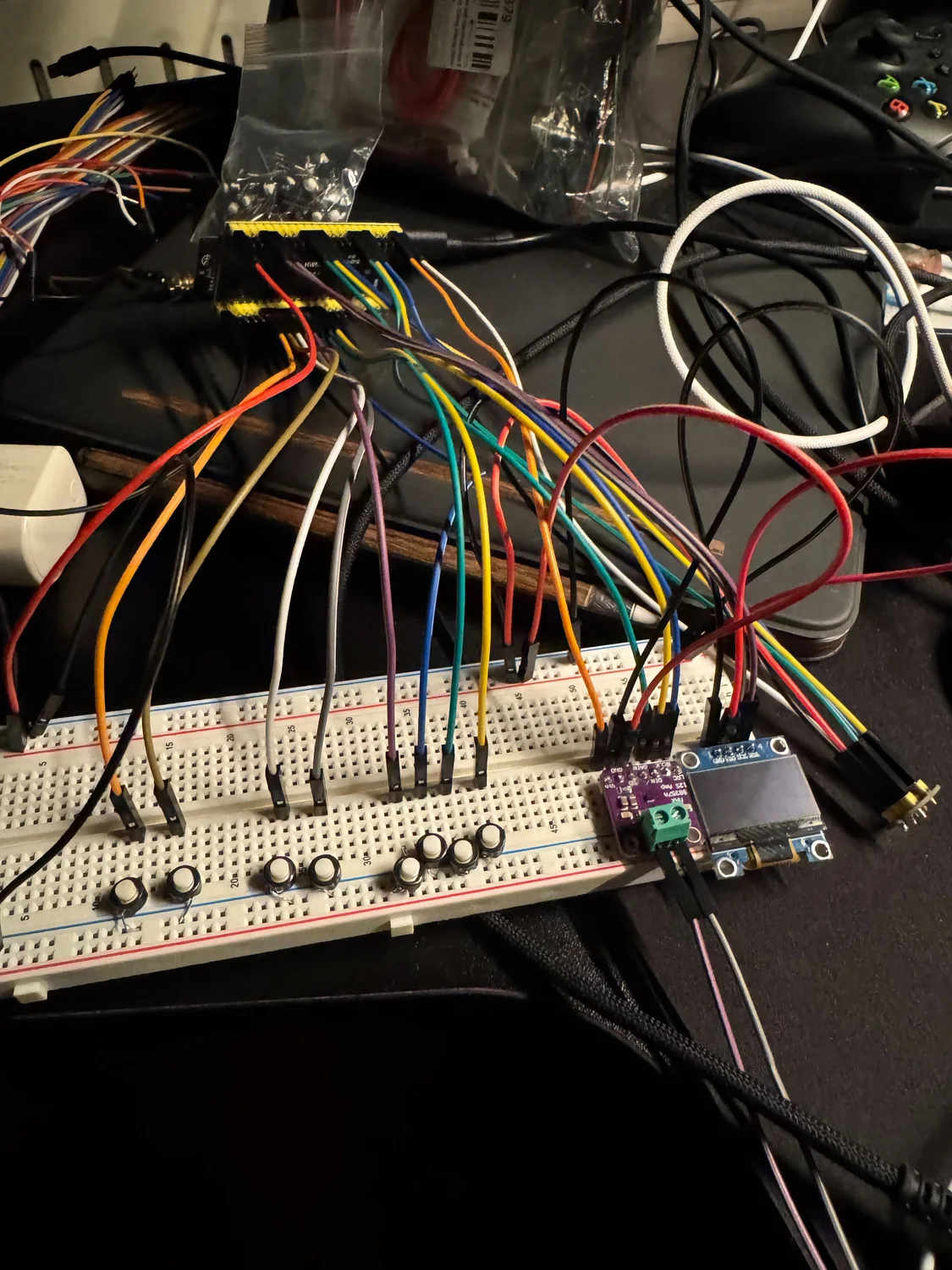
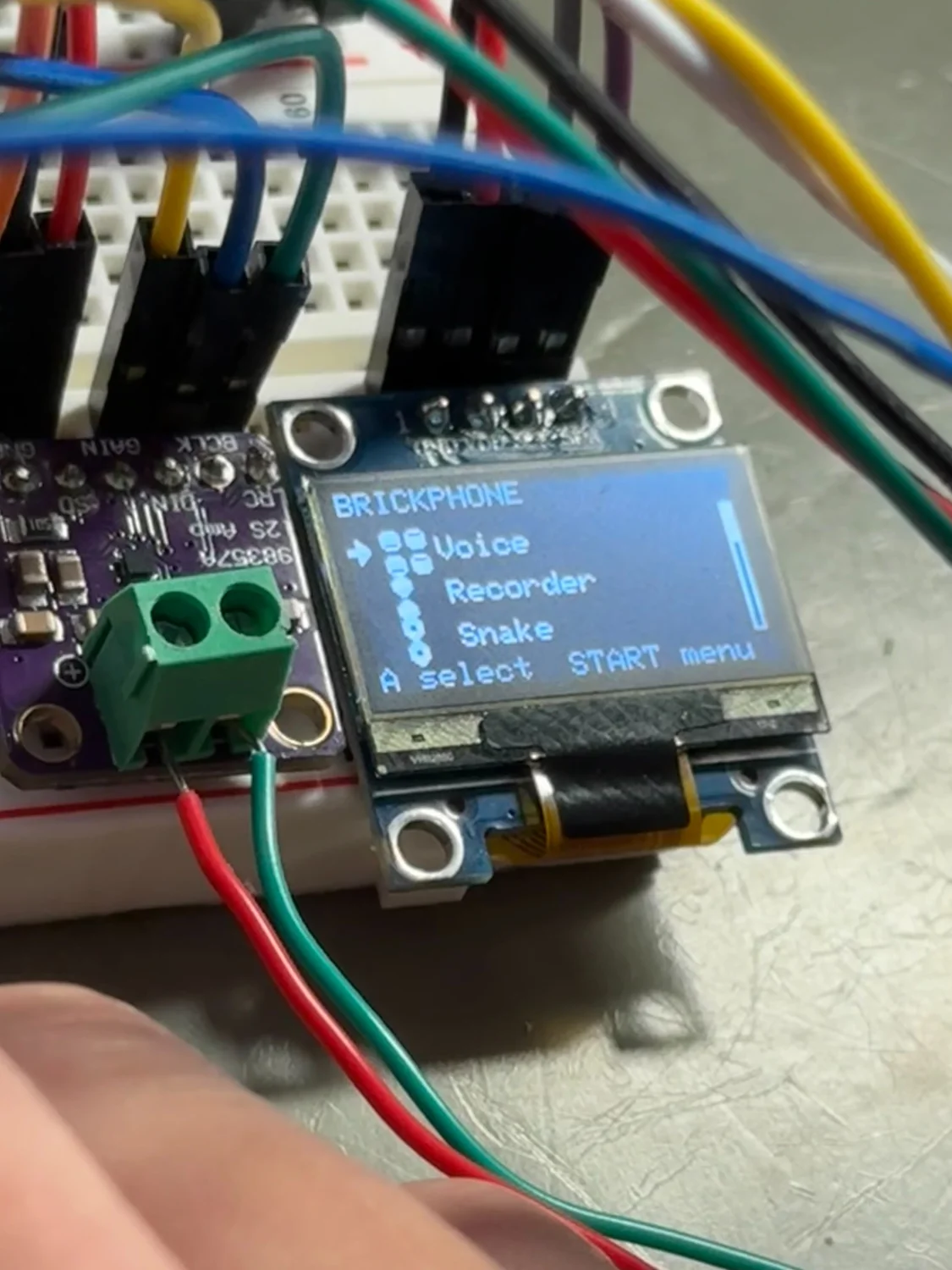
Games, menus, and the recorder share a screen interface. Each screen handles entry, exit, input, updates, and drawing. The screen manager changes the active screen and handles the global Start shortcut. Hardware services sit outside those screens, so a game does not need its own button polling or display setup.
The main loop polls input and updates the services continuously. It redraws the display at intervals of at least 33 milliseconds, which gives drawing a target of roughly 30 frames per second.
A Voice Round Trip
The microphone is an INMP441, connected over I2S. The ESP32 sends its audio to a Cloudflare Worker over a secure WebSocket. The Worker connects to the OpenAI Realtime API and returns response audio to the device. A MAX98357 amplifier drives the speaker.
The firmware and Worker exchange 24 kHz, 16-bit mono audio. A normal outgoing frame contains 480 samples, which is 20 milliseconds of sound. Its 12-byte header records the format version, sequence number, sample count, timestamp, and utterance flags. The receiver can check the payload length before treating the bytes as audio.
Loading diagram...
The device handles buttons, capture, and playback. The Worker handles the connection to the speech model and keeps the model API key off the ESP32.
The device authenticates with its own shared token. The model API key belongs in Worker secrets. The repository also contains a standalone voice-client sketch, which gives the voice connection a smaller test environment than the complete menu-and-games firmware.
Why Audio Needed Its Own Path
The general audio service queues PCM samples in a 2,048-sample ring buffer. At 24 kHz, that holds about 85 milliseconds of mono audio. Its write method returns how many samples it accepted. A caller that ignores that count can discard the part that did not fit.
The current Voice app takes a different path. It writes received samples directly to I2S with a blocking write, duplicating mono samples into the output's two channels. On entry it stops the shared output service; on exit it restores that service for the other apps.
The recorder uses the queue's available capacity and advances its playback position by the number of samples actually accepted. Its three-second recording buffer needs 144,000 bytes. It tries PSRAM first, falls back to internal memory, and frees the buffer when the user leaves the app. Recordings therefore do not survive leaving that screen.
Getting the Circuit Into the Brick
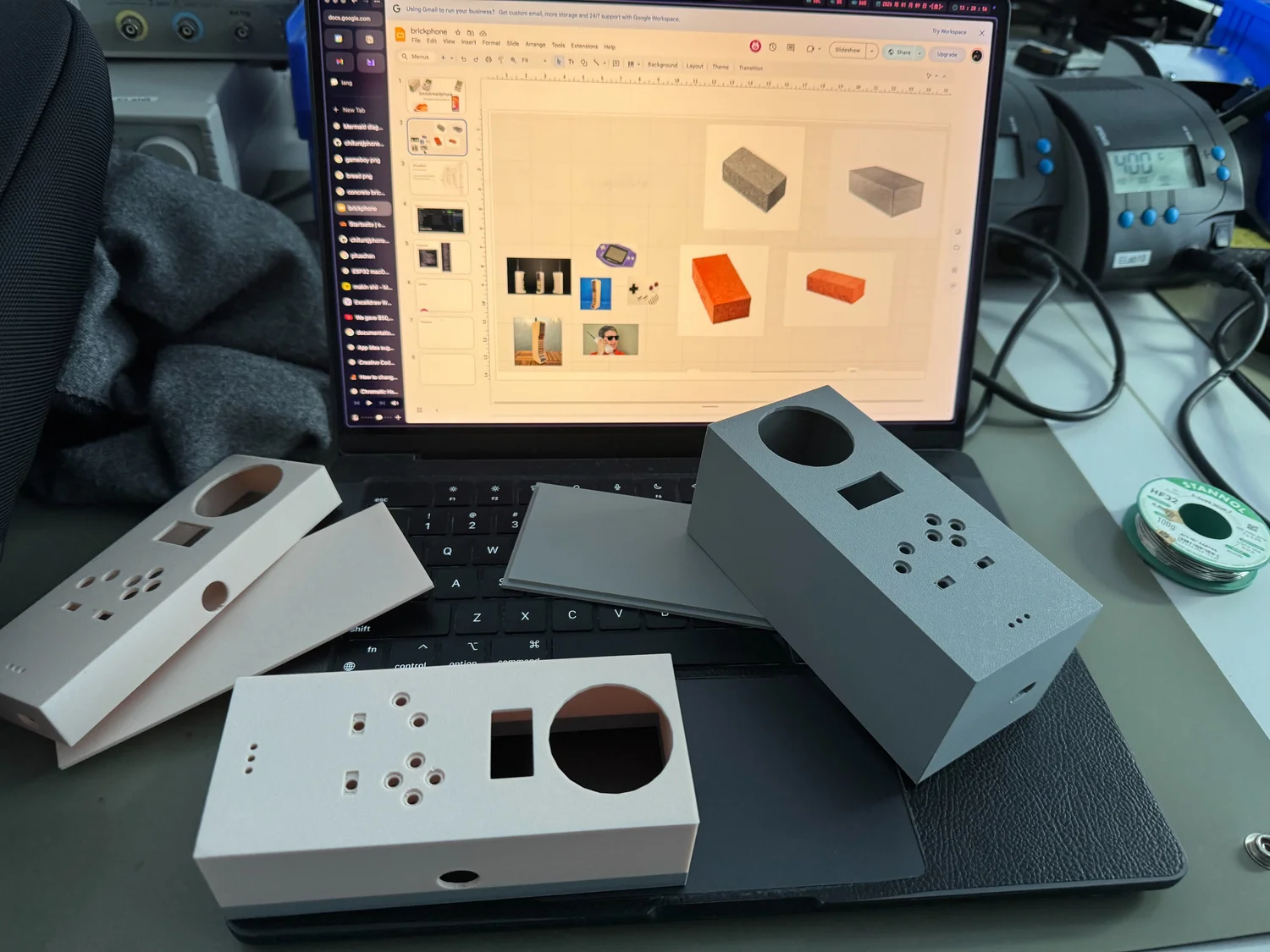
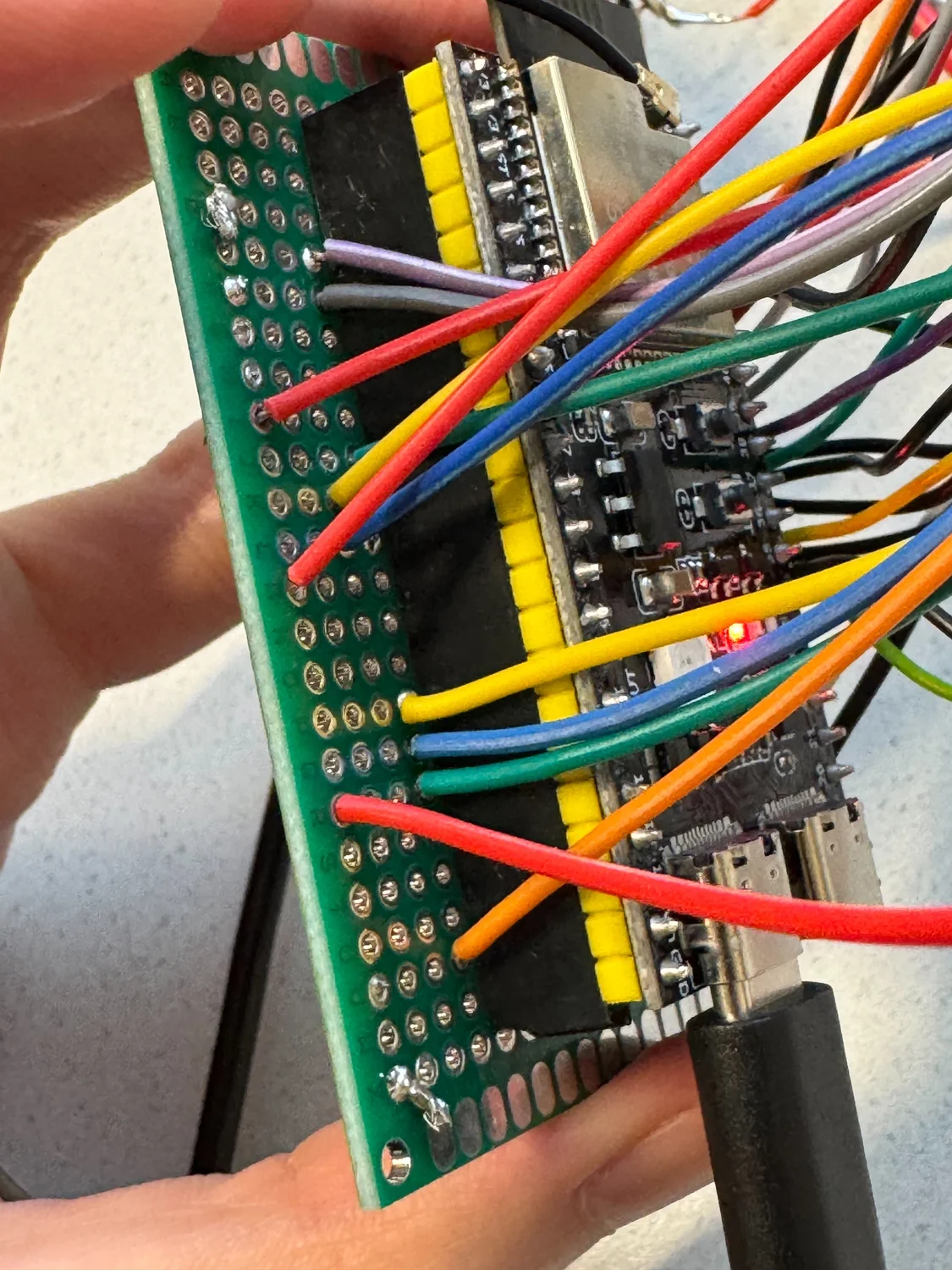
The hardware tests isolate the buttons, OLED, microphone, and speaker. One microphone sketch streams raw audio over USB serial to a Python player on a Mac. That provides a way to check capture before adding Wi-Fi, authentication, and the voice backend to the same test.
The original wiring drawing and the current firmware disagree on the amplifier pins. The drawing puts BCLK on GPIO 9, LRC on 10, and DIN on 11. The current Pins.h uses DIN 9, BCLK 10, and LRC 11. The README keeps the drawing as a build record and points readers to the firmware mapping when reproducing this revision.
What This Prototype Leaves Open
The source contains the games, recorder, and voice connection, but it is still a course prototype. The settings screen's Wi-Fi presets do not configure the Voice app, which reads its own local credentials. The storage service is empty, so persistent high scores are not implemented. A new build also needs its own Worker configuration and a check against the current voice API.
The repository includes the firmware, backend, individual hardware tests, and build photographs. Together they show how the separate circuits became one device, including the places where the integration still needs work.