Copperfall
An 8×8 PNG becomes a playable chunk. Underneath Copperfall is a JavaScript engine I built for scenes, collisions, controls, and a world that remembers where you have been.
Details
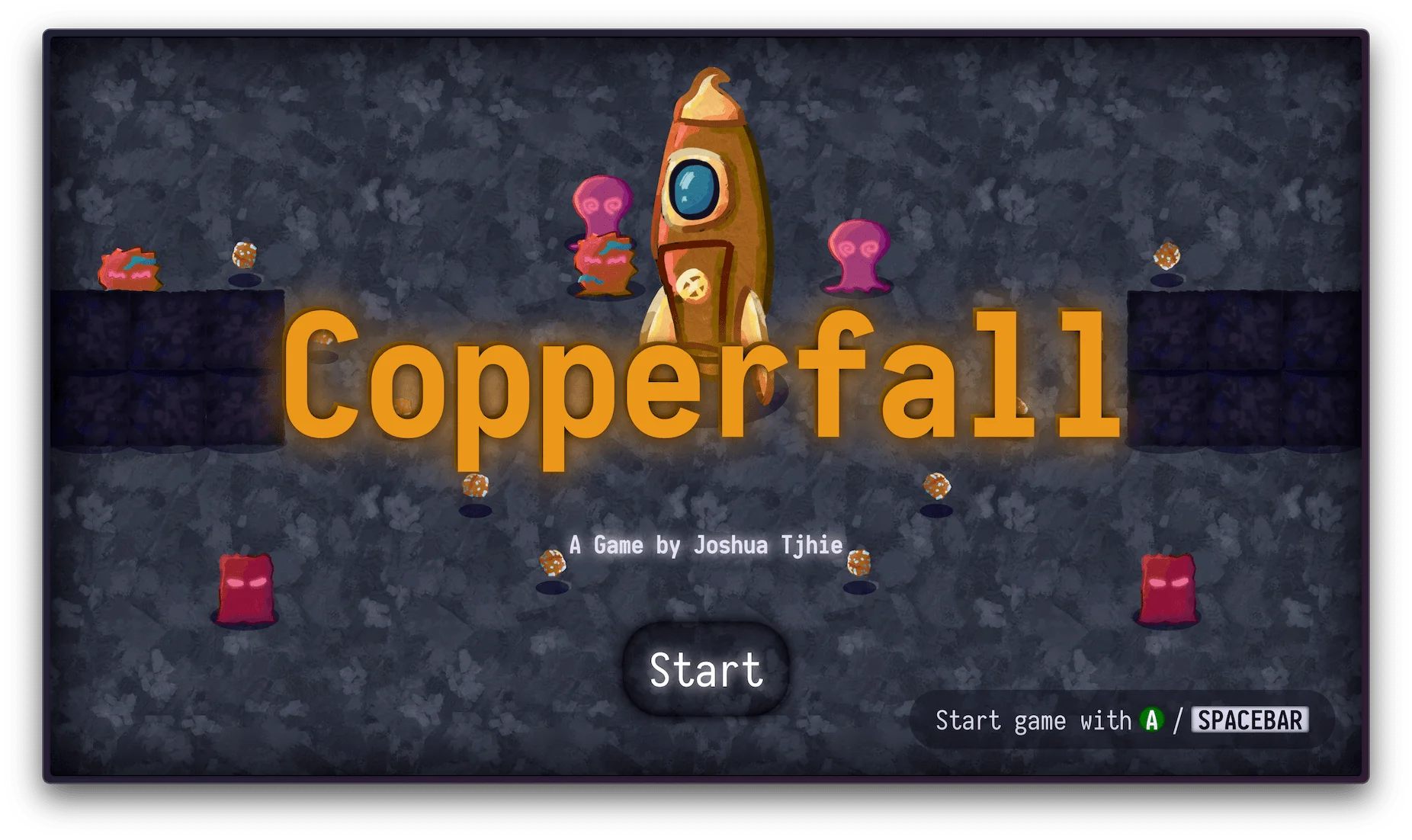
An 8 by 8 pixel image is enough to give Copperfall a new chunk of world. White pixels become rocks, green pixels become copper pickups, and other colours place enemies. Editing the route through an encounter can mean moving a handful of pixels.
I built Copperfall and its 2D engine for my first semester in Creative Computing at St. Pölten University of Applied Sciences. JavaScript and Canvas draw the game. HTML and CSS handle the menus, HUD, and control prompts. The source runs as browser modules without a build step.
What the Engine Owns
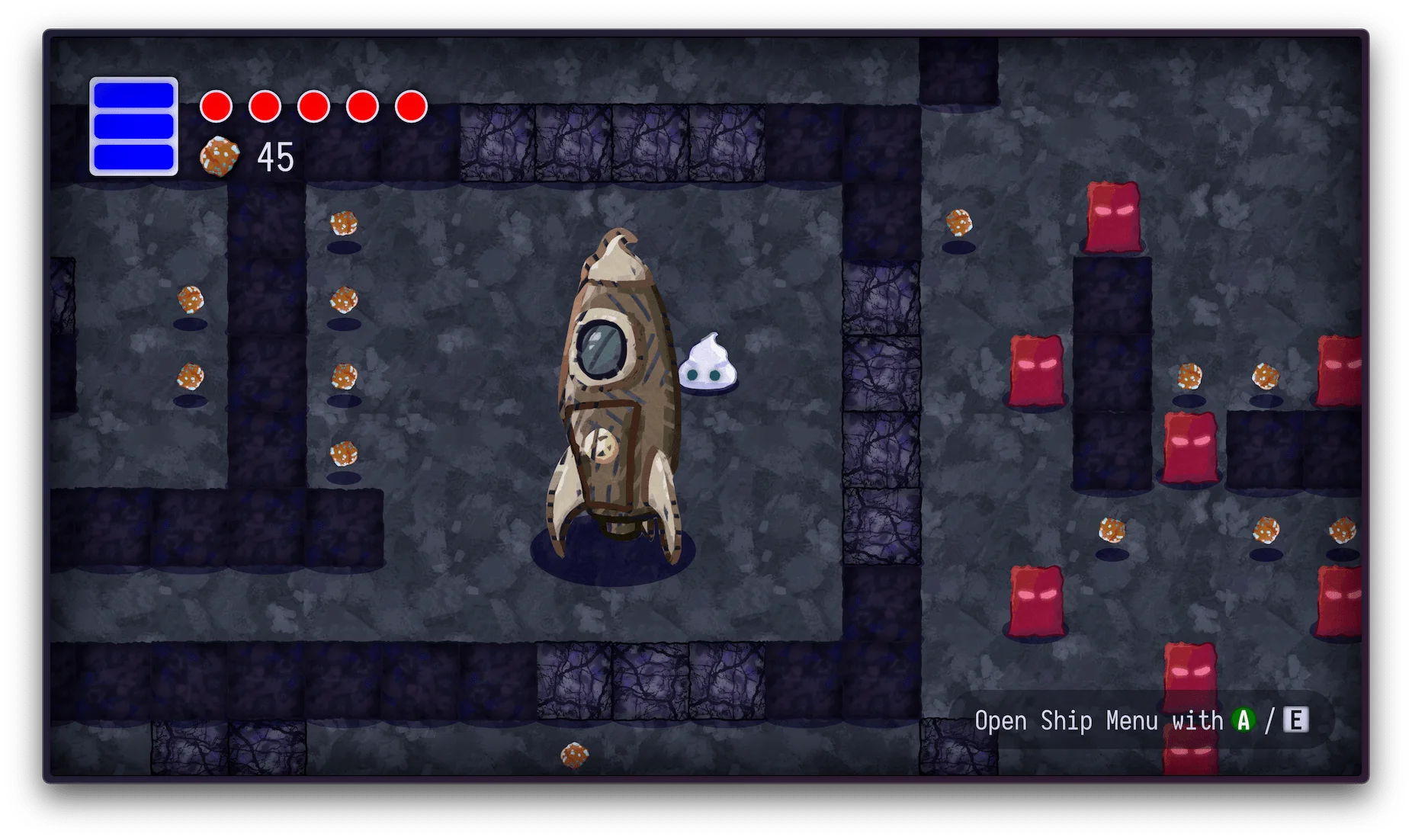
The structure takes inspiration from Unity. A scene creates game objects; each object has a transform and a collection of components. A sprite renderer draws the object, a collider describes its contact area, and effects such as squash and stretch can be attached separately.
Creating a game object registers it with the engine and the active scene. Adding a component attaches its owner and calls its start method. Each object forwards update and render calls to its components. This let me reuse effects across objects without putting every behaviour in a shared parent class.
Scene changes have an explicit cleanup path. The old scene marks its objects as destroyed, except those marked persistent. The engine removes destroyed objects from its active list on the next frame. The input handler is persistent, so a scene change does not need another set of keyboard listeners.
- Data & Assets
- Logic & Services
- Interface & Presentation
- Platform & External
Loading diagram...
Startup runs from index.html through bootstrap.js into main.js. This is an object-and-component engine. Chunk state survives unloading; only registered objects take part in the active frame and collision passes.
The map separates the active object list from retained chunk state. That distinction determines which objects consume frame time and which changes survive a return visit.
Following One Frame
The loop uses requestAnimationFrame and calculates elapsed time in seconds. It clears the canvas, removes destroyed objects, and sorts the active list by sprite order. It then updates and draws each object before the collision pass.
Loading diagram...
This is the order in Engine.js. Each object's update and render happen together; collision resolution follows the drawing pass.
That ordering is a useful limit to make explicit. A position correction from a collision appears in the following draw. The loop also uses the elapsed browser-frame time directly, rather than a fixed simulation step. Those are simple choices for this project, with consequences for how it responds to uneven frame timing.
The camera and sprite renderer share a world-to-screen conversion. They subtract the camera position, apply its scale, and offset the result to the centre of the canvas. They also reverse the vertical axis, because positive world height and Canvas pixel coordinates run in opposite directions.
Seeing the Shapes Behind the Sprites
Debug mode draws the information the artwork normally hides. Green outlines are solid colliders, magenta outlines are triggers, and red outlines mark chunk boundaries. A grid at 50 world-unit intervals gives those shapes a common reference.
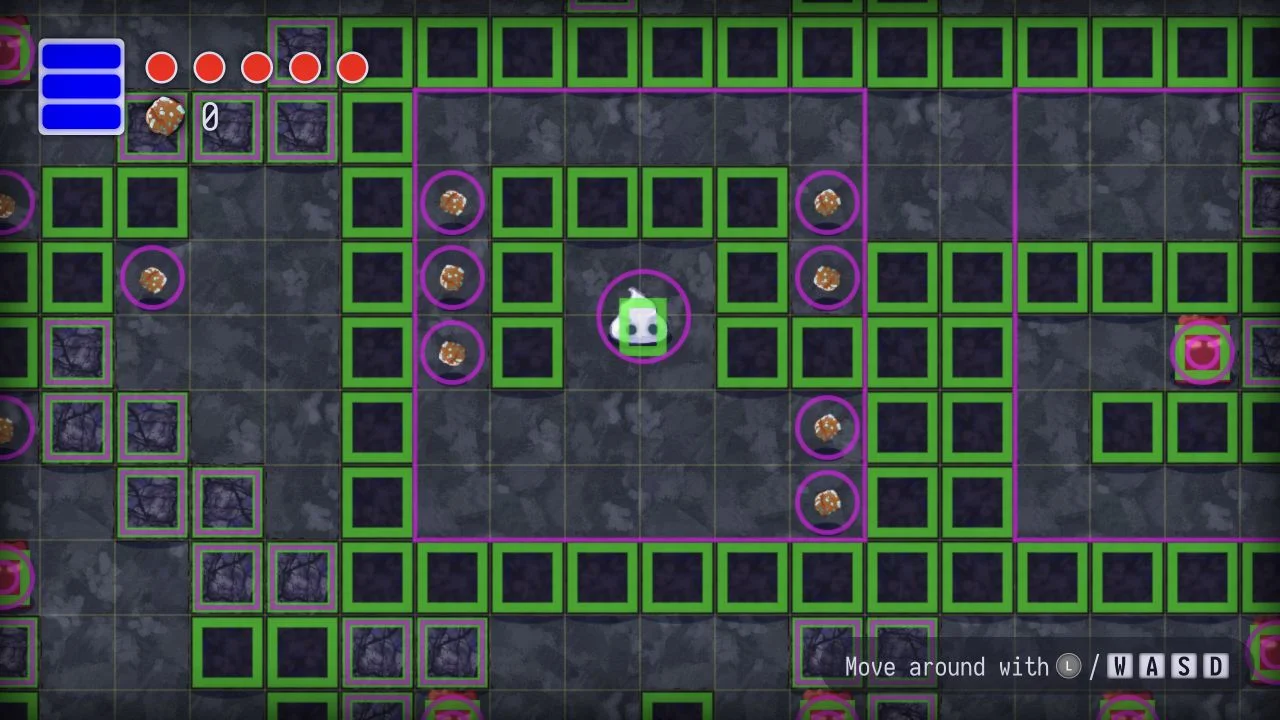
The player makes that distinction visible. Its box stops it passing through solid objects. Its circular trigger detects interaction range, including the spaceship zone. A trigger can report contact without pushing either object away.
The collision system gathers box and circle colliders from active objects. It supports box-to-box, circle-to-circle, and mixed checks. Each collider remembers its current contacts, so a new overlap produces an enter callback, a continuing overlap produces stay, and separation produces exit.
Detection and physical response have different coverage. The overlap resolver handles axis-aligned boxes. It separates them along the axis with the least penetration, moves the dynamic object away from a static one, or divides the correction between two dynamic objects. Circle contacts can trigger events, but this is not a general circle-physics solver.
Painting the Pieces of a World
BaseChunk draws a blueprint into an offscreen canvas, optionally rotates it by 90, 180, or 270 degrees, then reads its pixel colours. The starter chunks keep their authored orientation. A normal chunk chooses an image from its type's pool before rotation.
| Blueprint Colour | Object Created |
|---|---|
| White | Rock |
| Green | Copper pickup |
| Blue | Destructible rock |
| Red | Basic enemy |
| Magenta | Patrol enemy |
| Yellow | Fast enemy |
Each chunk spans 400 world units. Its eight cells along each side are therefore 50 units wide. The loader places an object at the centre of its cell, reverses the image's vertical direction, and adds the chunk's world offset. Unmapped colours and transparent pixels leave space empty.
The colour lookup produces at most one object per cell. Layout changes stay in the images, while a new object type needs a constructor and a colour mapping. This keeps encounter authoring small enough to inspect in an image editor.
Chunk type also changes with distance from the starting ship's chunk. The nearby pool gives way to another at 1,600 world units and a third at 3,200. The world is assembled from authored pieces, with variation in which piece appears and how it is turned.
Leaving a Chunk Without Forgetting It
The chunk manager activates chunks whose centres are within 800 world units of the player. Moving away removes their objects from the engine's active list, so those objects stop updating, drawing, and colliding. Their chunk records remain in memory.
Loading diagram...
The saved chunk contains the existing object instances. Reactivation skips children already marked destroyed.
Returning restores the surviving instances. A destroyed rock or collected pickup does not come back simply because its chunk becomes active again. The ship's starter chunk is an exception to distance unloading and stays registered.
This matters especially because collision detection checks every pair of active colliders. With 100 colliders, that is 4,950 pairs; with 200, it is 19,900. These are counts from the loop's structure, not measured frame rates. Keeping distant colliders out of that list limits the work, while retaining visited chunks still costs memory.
One Dash Across Two Input Devices
Keyboard and gamepad input feed shared actions such as dash and interact. Objects subscribe to those actions instead of checking device-specific buttons. The input handler normalizes movement direction and applies a deadzone to the gamepad stick.
Movement has its own acceleration and deceleration states. The player reaches normal speed through an easing curve, while dash uses a separate duration, speed, cooldown, and rechargeable charges. Sprite changes, particles, and screen shake provide feedback around those movement rules.
The browser UI also sends menu-open and menu-close events. The player listens to those events to stop accepting movement while a menu is open. Drawing the menus in HTML made buttons and layout easier to author, but it also made that boundary between gameplay input and UI input something I had to handle.
What I Would Change Next Time
A broader world would need a better collision search before it needed more objects. A spatial grid could reduce candidate pairs. Separating all simulation updates from rendering would also make the frame order easier to reason about, and visited chunks would need an eviction or serialization policy if memory became a constraint.
The part I would keep is the short path between an authored pixel, the object it creates, and the debug shape visible in the game. Each stage is small enough to inspect when the result is wrong.
Generating a 3D Arena