Declinant
You can speed up, but you cannot turn back. Declinant turns a single direction of movement into a timing game beneath a stream of falling shapes.
Details
Hold the screen to move faster. Let go to drift. Either way, Declinant keeps sending you to the right while objects fall through your path. You have to change when you reach a gap, because you cannot reverse to escape it.
Declinant is an earlier Android game I built in Unity. Crossing the right edge returns the player to the left and adds a point. One hit ends the run. That makes each crossing both a reward and another trip through the falling objects.
A Dodge Made by Changing Speed
The controller adds an active speed to the character's passive movement while the input is held. Releasing the screen removes that extra speed. The player still moves, so waiting is a decision with its own cost.
The wrap uses the camera's aspect ratio and orthographic size to find the screen edge. Passing it moves the player to the opposite side and fires an event. The score manager listens for that event, rather than awarding points every second. Speed therefore changes how quickly you score as well as how you dodge.
Each character stores its sprite, passive speed, active speed, and rotation multiplier in a ScriptableObject. The controller reads that data from the selected character. The visual spin follows movement speed, so acceleration has an immediate visible cue.
Changing the Obstacle Pattern
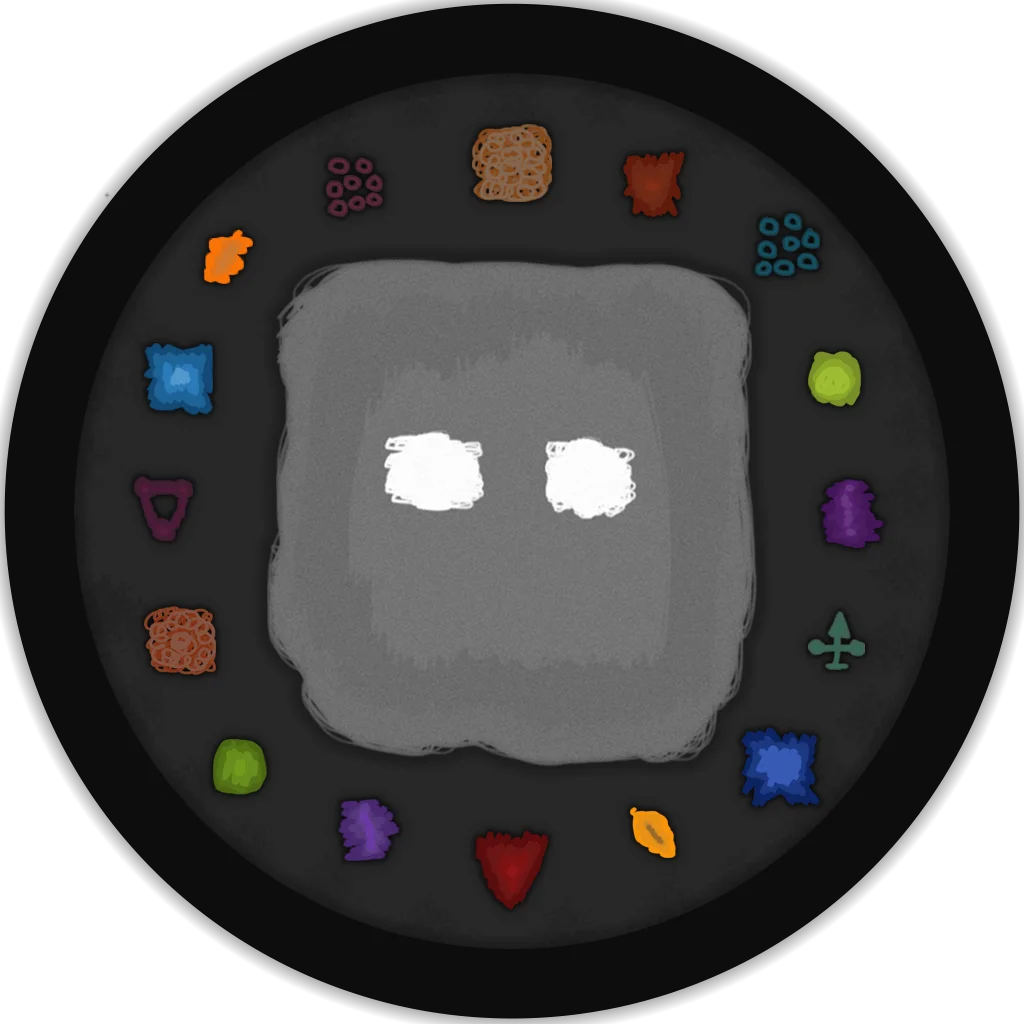
Falling objects vary in size, angle, and speed. A tilted object moves along its own downward axis, which can also carry it sideways. The different silhouettes make gaps less predictable than a row of identical blocks.
Every eight crossings, the difficulty manager signals a change. The spawner chooses another obstacle type and drops a coin. The saved game scene starts at 1.5 objects per second. The first transition raises that to 1.65, where it stays. Later transitions keep choosing obstacle types, so the pattern changes even after the spawn rate stops rising.
Loading diagram...
The same boundary event advances the score and supplies the milestone for changing obstacles.
The Earlier Prototype
The earlier recording has red blocks against a nearly empty background. The later version adds the drawn obstacle set and a textured playfield, but the one-direction movement and screen wrap are already present in the prototype.
The project also contains a coin shop, character selection, and saved high scores. The original Google Play listing is no longer available. These recordings preserve the game as it ran on Android.