Retro Terminal Portfolio (Placeholder)
A nostalgic command-line interface portfolio built with modern web technologies.
Retro CLI-inspired portfolio with responsive CRT styling and MDX-powered command outputs.
Quick Stats
Links
Retro Terminal Portfolio
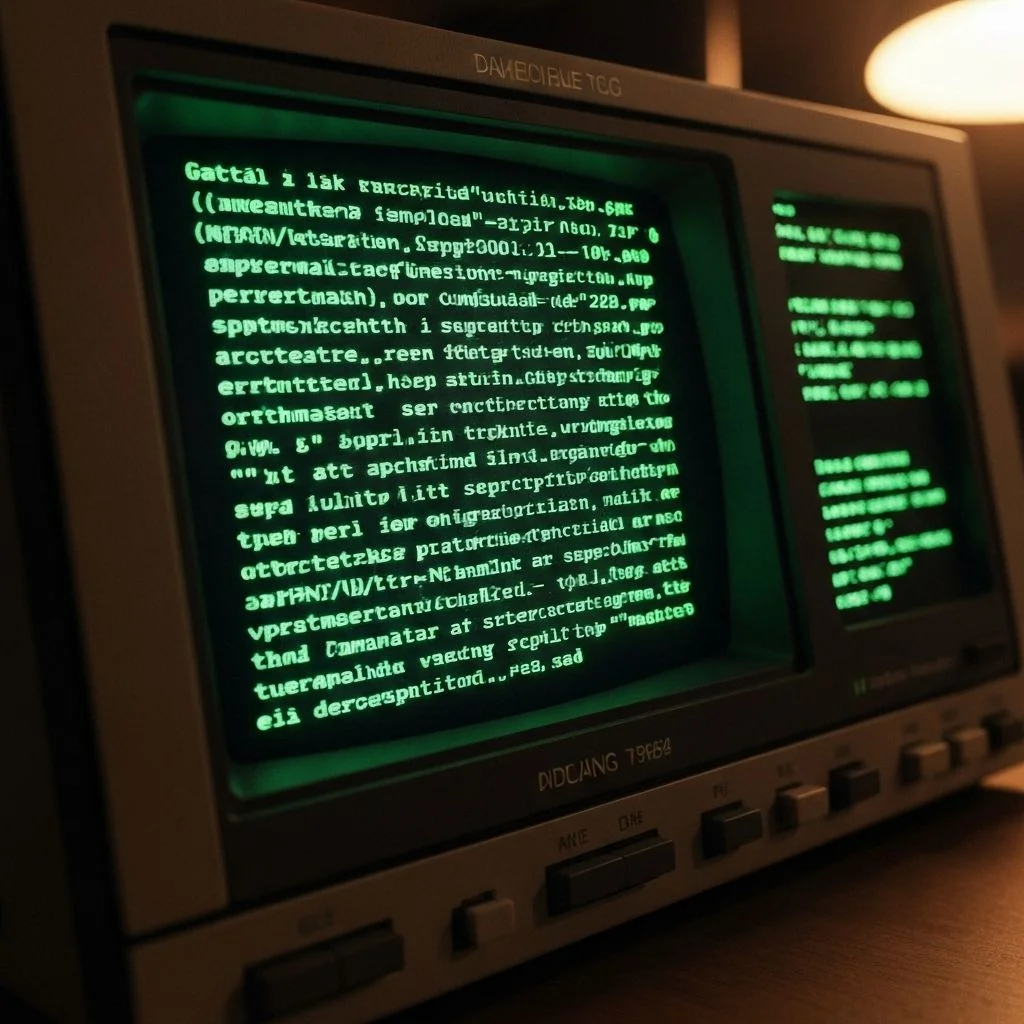
The Retro Terminal Portfolio reimagines a developer homepage as an interactive command-line session. Visitors browse projects and learn about my background by typing familiar terminal commands — or hitting Tab to discover what's available.
Concept
Recreating the feeling of exploring a vintage computer while keeping the experience fast, accessible, and fully keyboard-driven.
The interface leans into authentic CRT aesthetics — scanlines, phosphor bloom, and subtle barrel distortion — while remaining fully responsive and screen-reader friendly. Every aesthetic choice follows the same constraint: if the real CRT would do it, the CSS should too.
Features
- Tab-completable command palette with fuzzy matching and ranked suggestions.
- Rich command responses rendered as MDX — each command can include images, tables, and code.
- Dynamic ASCII art generated at build time from source images.
- Persistent command history across sessions via
localStorage. - Three CRT colour themes: amber, green phosphor, and white paper.
Implementation
The terminal layer uses a custom parser that maps command strings to React components. Zustand stores command history and prompt state, while CSS custom properties power theme transitions.
The command parser is intentionally declarative. Each command registers the React element it should render, keeping rendering and parsing responsibilities separate. Adding a new command is a one-liner.
CRT effect stack
All visual effects are pure CSS — no canvas, no WebGL.
filter: brightness(1.05) contrast(1.1)— base phosphor warmth.repeating-linear-gradientscanlines at 2 px intervals.border-radius+perspectiveon the outer wrapper for barrel distortion.- A
@keyframes flickeranimation at low opacity to mimic refresh rate artefacts.
Accessibility
Building a custom interactive element that mimics a terminal posed real accessibility challenges.
- All commands are reachable via keyboard only — mouse is opt-in.
- Output regions use
role="log"witharia-live="polite"so screen readers announce new lines. - CRT flicker runs at 0.03 opacity and is disabled by
prefers-reduced-motion. - All three colour themes meet WCAG AA contrast against the dark background.
Lessons learned
The key insight using inline code: setting white-space: pre on the output region instead of pre-wrap eliminated the ghost wrapping issue that plagued early builds.
- The CRT effect is convincing enough that several visitors asked what hardware I was running.
- Keyboard-first design forced cleaner state management — every action needed to be expressible as a pure command string.
- Fuzzy matching via fuse.js required careful score weighting; title matches must outrank tag matches.
Interfaces become memorable when aesthetics and interaction design reinforce each other.
Also from this project

Have thoughts?
Curious what others see or think
Feel free to reach out or leave feedback
Share Feedback