The Circussy One
A Unity roguelite where the audience climbs over itself to reach you. I built its gameplay architecture and content tools as the sole programmer in a four-person team.
Details
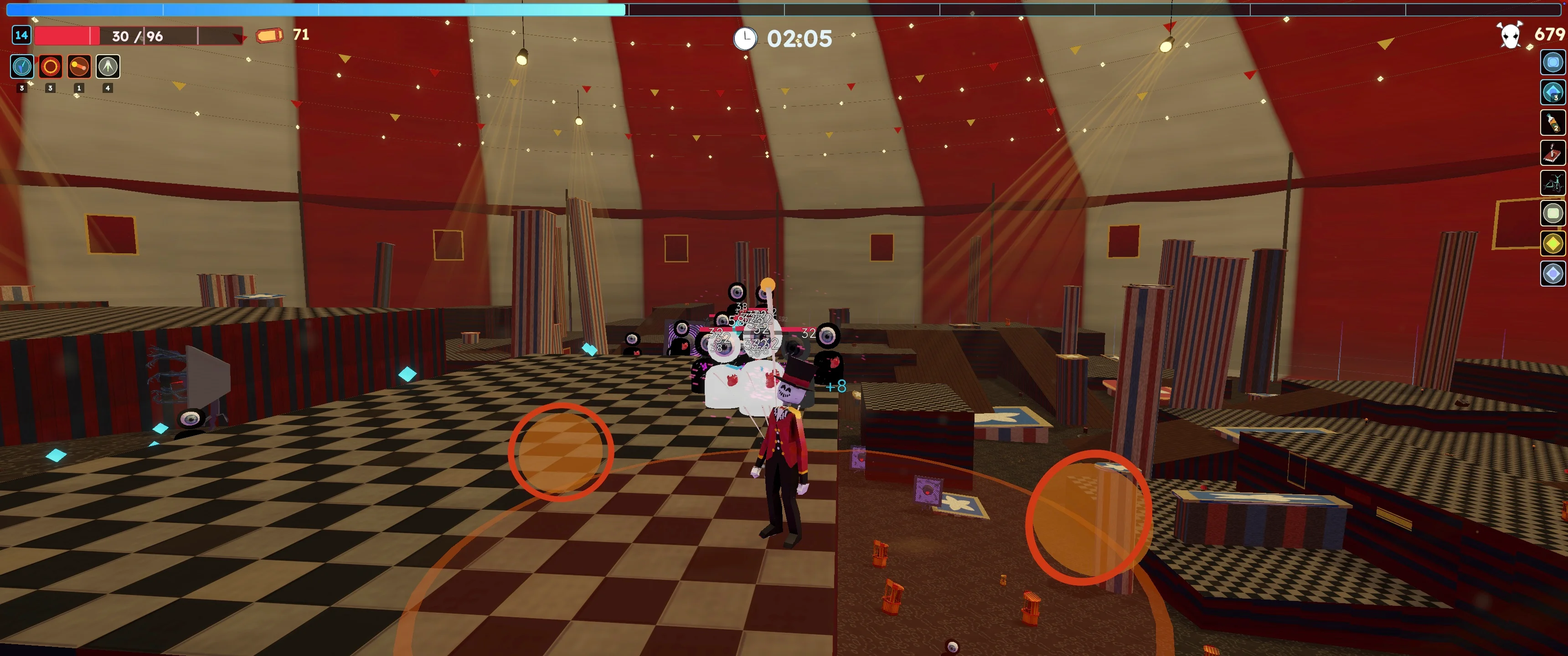
A chest sits beyond the crowd, experience gems are scattered behind you, and the next wave is closing in. Your weapons keep attacking while you decide where to move.
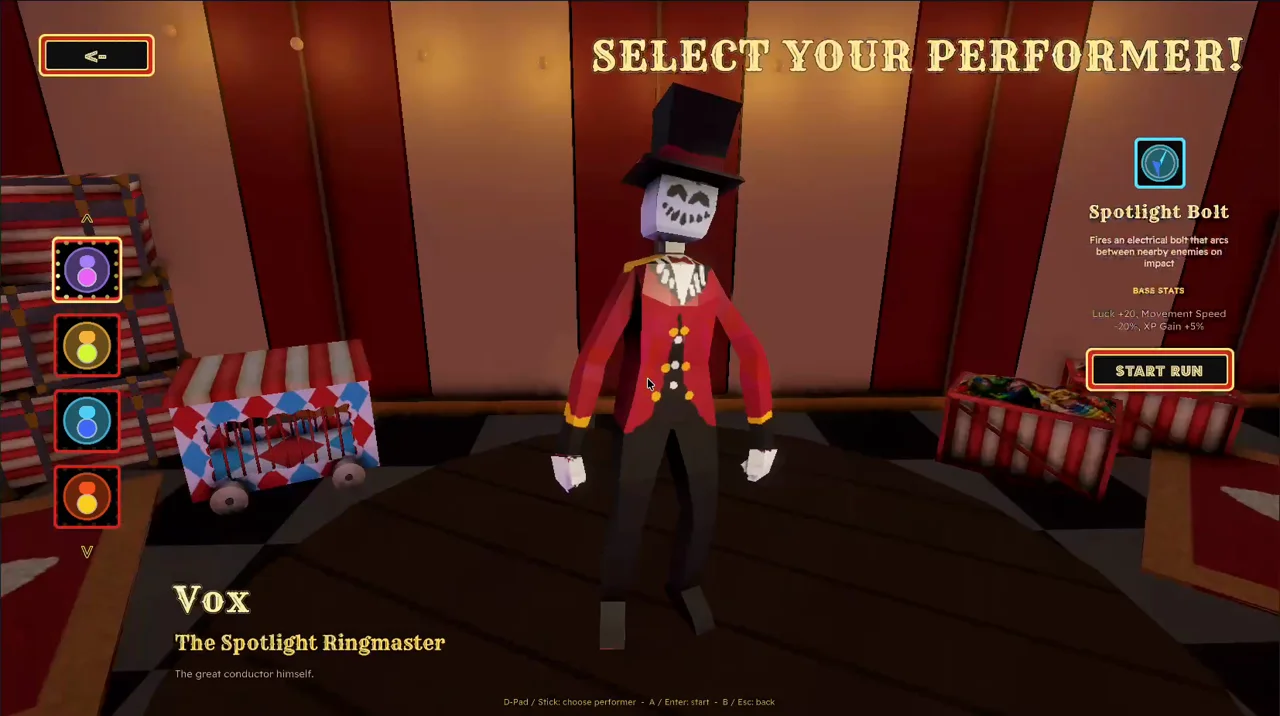
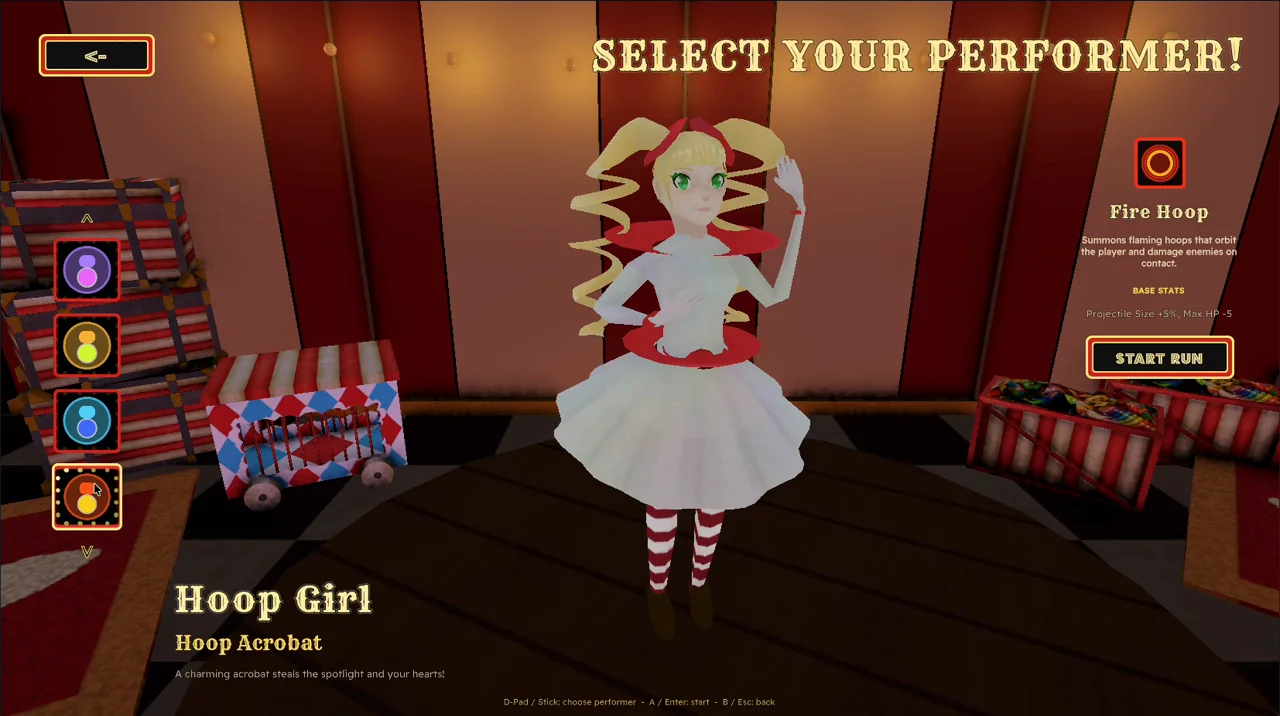
The Circussy One is a third-person auto-combat roguelite prototype in Unity. You choose one of four Performers and build up weapons and Talents across three circus Acts. Automatic attacks put much of the moment-to-moment decision-making into movement, collecting rewards, and choosing upgrades.
I was the sole programmer in our four-person team, responsible for the gameplay architecture, editor tools, integration, and playtesting. My teammates contributed art, animation, content, and balance. By our June 2026 presentation, we had a playable three-Act run and tools they had used to author its content.
The circus gave us a shared direction for more than scenery. Weapons became juggling balls and fire hoops, currency became Prize Tickets, and a boss encounter became the Headliner. The audience is quite literally coming for you: the small, one-eyed enemies read as a crowd, while one boss combines them into a larger creature.
Play the Prototype
Try the June 28 presentation build: Windows 64-Bit · 123 MB ZIP or macOS · 137 MB ZIP. The Mac version supports Intel and Apple silicon on macOS 12 or later.
Extract the whole ZIP first. On Windows, open The Circussy One.exe and keep the accompanying files beside it. On Mac, open TheCircussyOne.app. This is our course prototype, with bugs and unfinished details remaining.
Controls: WASD or arrow keys to move, mouse to look, Space to jump, hold E to interact, and Escape to pause. Weapons attack automatically. Gamepad controls are also supported; each download includes a short guide.
Opening on macOS: This build is not Apple-notarized. If macOS blocks the first launch, see Apple's opening instructions. Only proceed if you trust the download.
Promotional Film
The source archive contains the gameplay systems, editor tools, and tests. It is a reading archive, with the full project's licensed packages and source media omitted.
Read about the runtime architecture, the Content Workbench, the loading freeze, or the incorrect climb.
Runtime Architecture
Content and balance were changing while I was still building the game. I needed a weapon's damage or an upgrade's effect to change without rewriting its behaviour, and I needed to check those calculations without playing through an entire run.
I separated authored content from the state it creates during play. ScriptableObject definitions and catalogs describe weapons, enemies, and rewards. Runtime objects hold changing values such as health, cooldowns, and projectile lifetime. Systems coordinate their behaviour, while small C# rule classes handle calculations. Unity views own scene references, transforms, and presentation.
- Data & Assets
- Logic & Services
- Interface & Presentation
- Platform & External
Loading diagram...
The composition root constructs the runtime; the game loop starts and updates it. Labelled arrows follow setup, state, and gameplay events. The full project also needs Unity assets and packages omitted from the reading archive.
VContainer assembles the dependencies at GameLifetimeScope. GameLoopRunner controls which systems update, so gameplay can pause while the interface keeps responding. Factories own the creation, reuse, and cleanup of pooled objects; combat systems ask for a projectile without also owning its whole lifetime in the scene.
These boundaries made focused tests possible, but they also created integration work. A missing dependency registration could break startup even when the code compiled. I had to check the assembled scene as well as individual rules. The useful test of the architecture was whether someone could add content, or whether I could isolate a failure, without tracing behaviour through unrelated scene components.
Authoring Content Without Rebuilding a Scene
The Content Workbench gave my teammates a way to create and balance content while I continued building the systems underneath it. It groups Performers, weapons, upgrades, Talents, items, and rewards around the same definitions and catalogs the game reads.
For a weapon upgrade, an author selects the weapon, chooses one of its supported stats, and sets the effect. That upgrade can then enter the game's reward pool and use the existing combat calculations. Early versions still asked authors to type internal identifiers. I replaced those fields with searchable selections and restricted effects to stats the selected weapon supports.
Loading diagram...
The editor changes the assets the runtime already uses. Weapon-local effects remain separate from bonuses that apply across the player's build.
The Config Hub, validation tools, and Visual Test Lab support different parts of that workflow. Config changes tune the game, relationship checks catch broken content references, and repeatable visual scenarios expose presentation problems that a rules test cannot see. Rebuilding generated scenes is a recovery operation, not the normal way to tune a weapon.
Building a Walkable Circus
The terrain direction is a set of staged platforms and broad, straight ramps inside a Big Top. Early experiments with smooth terrain and crowded ramp layouts made routes difficult to read. The blocky version gives a ledge and a walkable incline different silhouettes.
The generator has to respect the actual controller's slope limit. Reachability checks and fixed review seeds help inspect the result, but a structurally valid map can still be awkward to cross. I used full maps for traversal review because isolated test ramps did not reproduce the combinations that caused trouble.
Reward placement checks more than a height at one point. It samples a surface, rejects excessive slopes, checks overlap against reserved footprints, and tests the prop's body against the environment. Nearby candidate offsets give it another placement to try before returning a fallback result.
The tent and its dressing also use procedural meshes and textures. Cloth, banners, bulbs, ground materials, and decorative props give the generated geometry a circus setting. These visual systems follow the world's lifetime, so changing Act also removes the old dressing.
Choosing How to Fight the Crowd
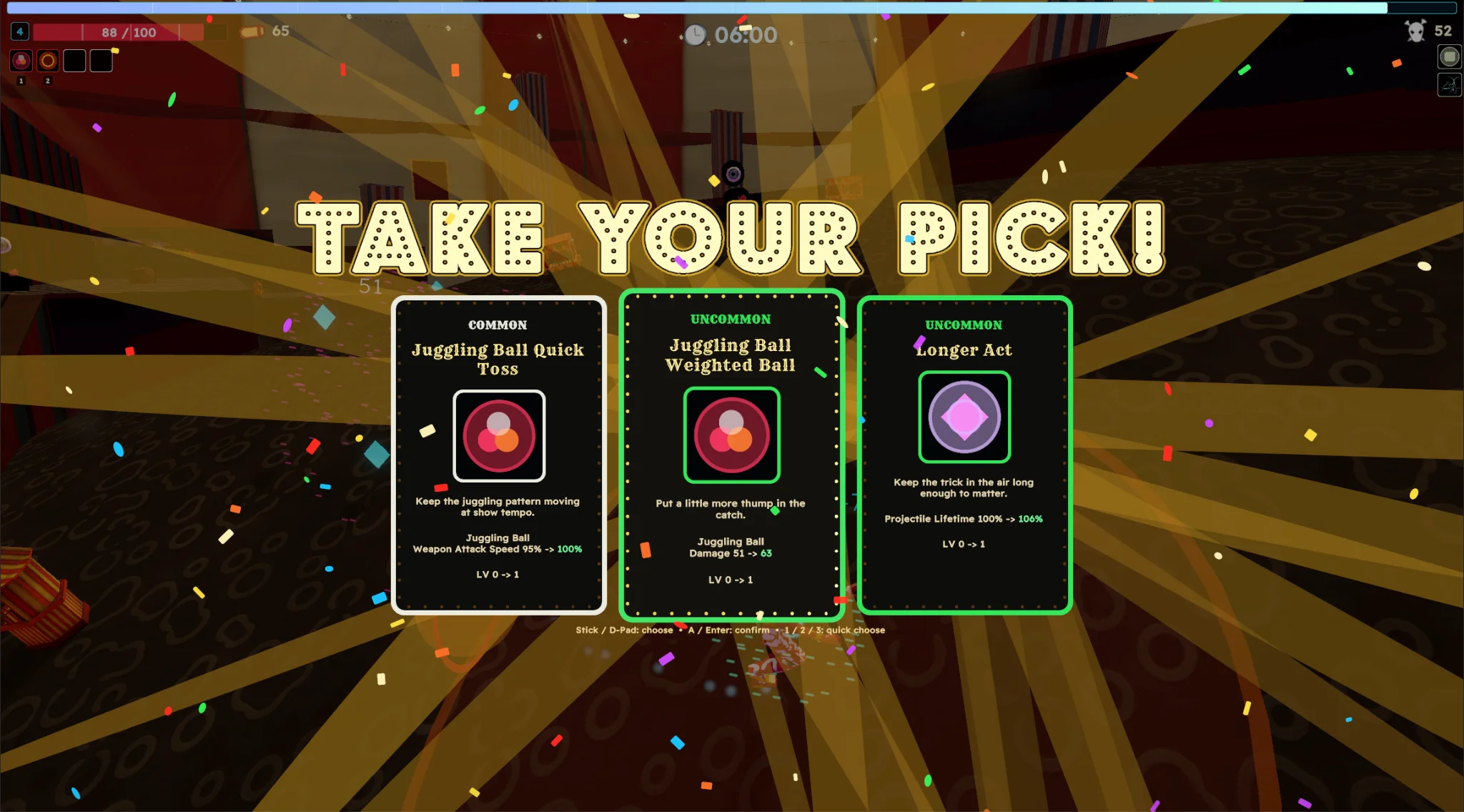
Weapons change which space around the player is dangerous. Juggling Ball ricochets, Cannon creates splash explosions, Knife Fan covers a spread, Fire Hoop attacks around the player, and Spotlight Bolt chains between targets. Their upgrades need to preserve those differences.
| Weapon | Attack Pattern |
|---|---|
| Juggling Ball | Extra bounces let a shot reach another enemy. |
| Cannon | Splash radius changes how much space an explosion covers. |
| Knife Fan | Projectile count changes the fan; accuracy controls aim error separately from the intended spread. |
| Fire Hoop | An orbiting attack puts damage around the player instead of along a firing line. |
| Spotlight Bolt | Chaining connects hits across nearby targets. |
Player stats and weapon stats have separate scopes. A weapon upgrade can add damage to one weapon, while a Talent or Performer bonus can affect outgoing damage across the build. The damage calculation adds the local flat bonus to the weapon's base, then applies the global multiplier.
Rounding also matters in small rewards. XP bonuses keep their fractional remainder between pickups. Without that carry, repeatedly rounding a small gem's bonus down could make a chosen XP bonus do nothing. As a simple example, four one-point pickups with a 25% bonus should eventually award five XP.
The Act Ends at the Door
Opening Act, Center Ring, and Grand Finale have authored schedules of seven, nine, and eleven minutes before their Headliner arrivals. Short Showtime events increase the spawn pressure along the way. The Headliner starts an Encore deadline, and enemies keep spawning after the boss falls.
The Stage Door becomes available only once Encore has begun and the Headliner is defeated. Defeating the boss early does not instantly end the Act. Reaching the deadline with the boss alive does not skip the fight. Encore increases the enemy pressure, and the player still has to reach the door and interact.
Loading diagram...
Boss defeat and the Encore deadline are separate conditions. The exit waits for both.
The world changes during Intermission, but the build persists. A lifecycle system clears enemies, projectiles, pickups, prompts, and the old environment before creating the next Act. The door also has a placement fallback, so a missing boss-death position cannot leave an otherwise completed Act without an exit.
Rewards That Make You Stop Moving
XP pulls the player towards defeated enemies. Prize Tickets pull them towards deliberate interactions around the map. Some deposits pay out during a hold, which means deciding how long to stay while enemies approach. Tickets can then pay for locked chests; they belong to the current run.
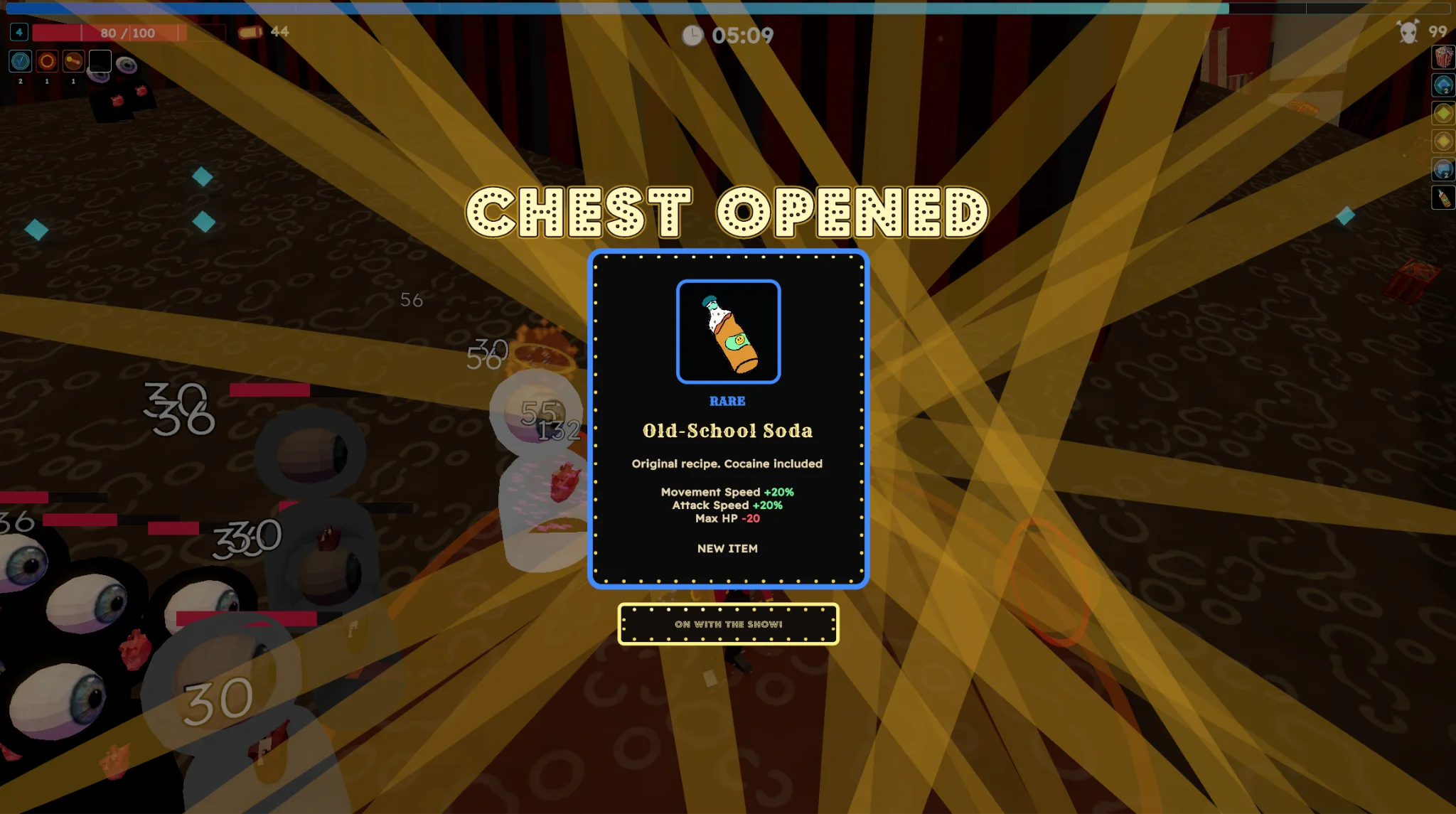
Chests, Ticket deposits, snacks, and the Stage Door share targeting, prompts, and hold progress. The system selects a nearby candidate by priority and distance, then locks the target during the hold. Passing closer to another object should not redirect an interaction already in progress.
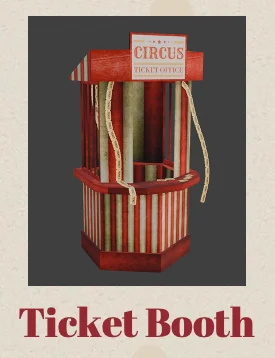
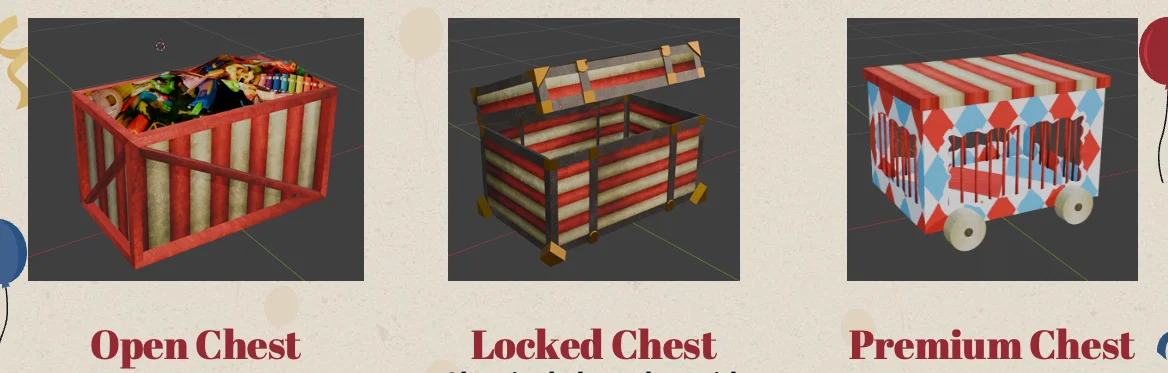
Pickup attraction and deliberate interaction have different ranges. Increasing the magnet radius for XP should not let the player open a distant chest. Healing Treats use the pickup system too, but do not magnet towards a player already at full health.
Audio and Feedback
Automatic weapons can hit many enemies at once. Playing a new sound for every contact would quickly bury the useful cues. Weapon-hit cooldowns limit repeated audio, with a separate setting for Fire Hoop because it can touch several enemies in one frame. An interaction hold has a loop that follows its progress; completing or cancelling it ends that loop.
Gameplay calls named cues through IGameAudio. GameAudioService handles Wwise events, spatial emitters, loops, and their cleanup. GameAudioPresenter watches changes such as player damage, level-ups, and Act announcements. This keeps audio timing close to the relevant game state while Wwise owns the sound behaviour and mixing.
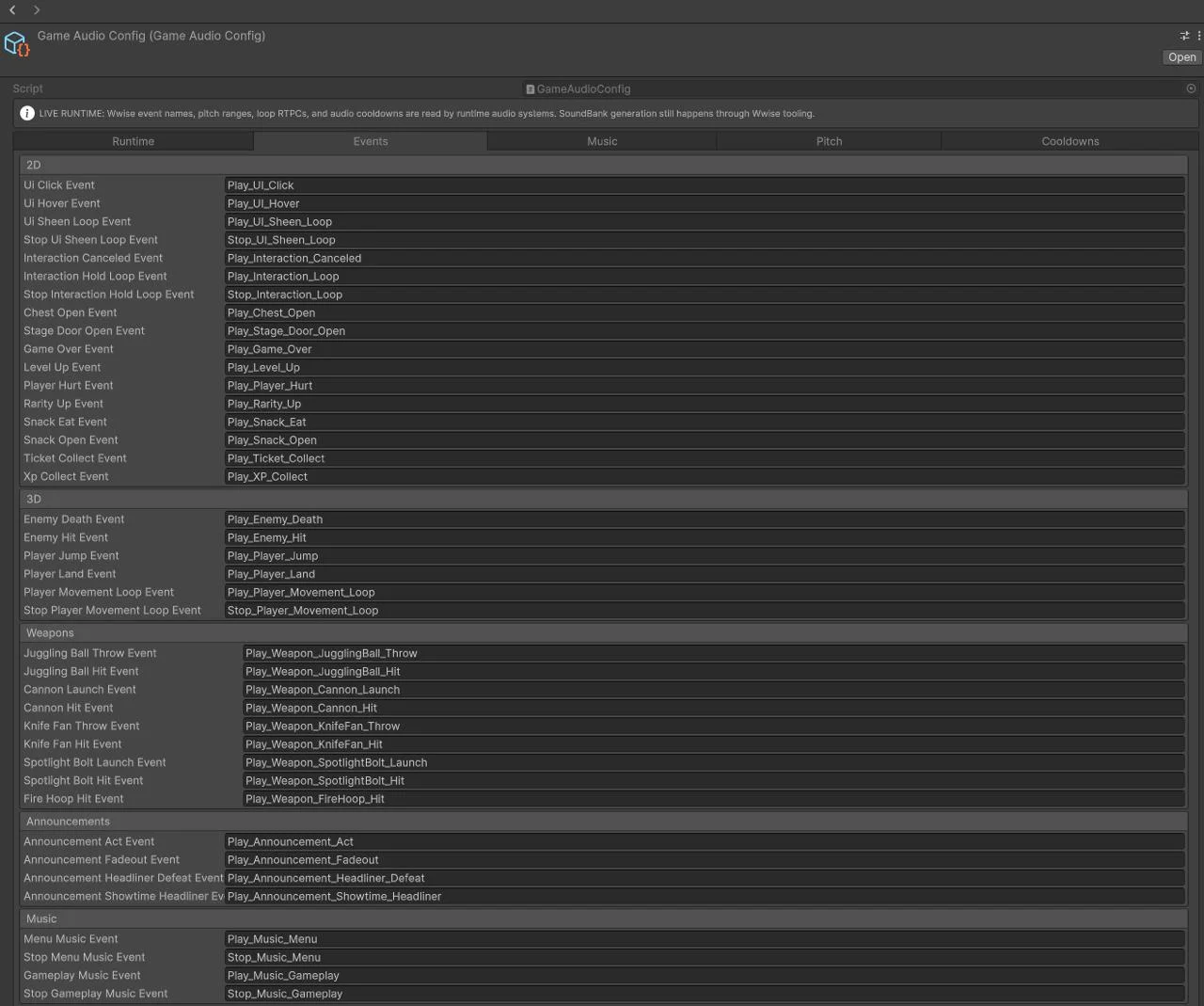
This separation also has a practical limit: a valid configuration does not prove a sound will play. The matching event and generated SoundBank must exist and load at runtime. Testing the assembled game matters here because inspecting a cue's name cannot tell you whether the player will hear it. Controller vibration has its own service and tuning, separate from the audio path.
Why the Loading Screen Still Froze
The first loading overlay had a working fade and throbber, but selecting a Performer could still freeze both the game and the overlay. Making the transition method asynchronous had not removed the long synchronous work inside it.
Timing the individual stages pointed to Big Top texture generation. The cloth and dressing generators calculated their pixels and uploaded their textures in one main-thread block. Terrain generation was not the main cause of that hitch.
Loading diagram...
Pixel calculation can run off-thread after copying its settings. Creating and uploading Unity textures still happens on the main thread.
The revised path calculates pixel arrays on a worker, then switches back to Unity for texture creation and upload. Startup prewarm prepares pooled enemies, projectiles, pickups, and feedback effects during loading. It yields between batches so the first combat events do not have to create all those views at once.
This does not make every loading operation parallel. It gives the expensive data calculation and the required Unity object work separate stages that can be timed and inspected.
The Climb That Sampled the Wrong Place
One traversal bug made enemies choose a surface far above them. Broad changes to climbing produced other failures, including enemies entering walls or climbing the arena barrier. The useful evidence came from logging the contact point, sampled height, and resulting movement decision together.
In one recorded failure, an enemy near (-53.87, 9.47, -31.26) received a cast hit point of (0, 0, 0). The subsequent height probe sampled near the world origin and found a surface at height 27.465. That produced a supposed climb of almost 18 units from an unrelated part of the map.
The fix checks whether the contact point is plausible for the local cast. If it is too far away, sampling starts just ahead of the enemy instead. Constructed ramps provide their own local height through a ramp marker. Terrain still blocks movement, and enemy-on-enemy climbing keeps its separate rules.
That case changed what I needed from a debug tool. A collider outline alone would not explain the climb. I needed to see which position the next query used and why the movement system accepted its answer. Fixed seeds kept the surrounding map repeatable while the logged case became a regression test.
The Presented Prototype
The three-Act run is playable end to end. Its balance and terrain were tuned for the presentation build, and the recordings here show that prototype. Art combines authored models with generated materials and scenery. Larger content pools and further balance work remain possible continuations.
The biggest result for me was that we could build the game and its content in parallel. The Workbench gave my teammates a way to contribute while I was still changing runtime systems. I used Codex extensively for implementation and tests, and took responsibility for the architecture, integration, and playtesting. The diagrams here explain those decisions; the linked source archive includes the systems, tools, and regression tests behind them.
Building the Earlier 2D Engine